Adding Funds to Your Balance
How to add funds (credit) to your account’s balance.
| 1 | Log in to your management portal. |
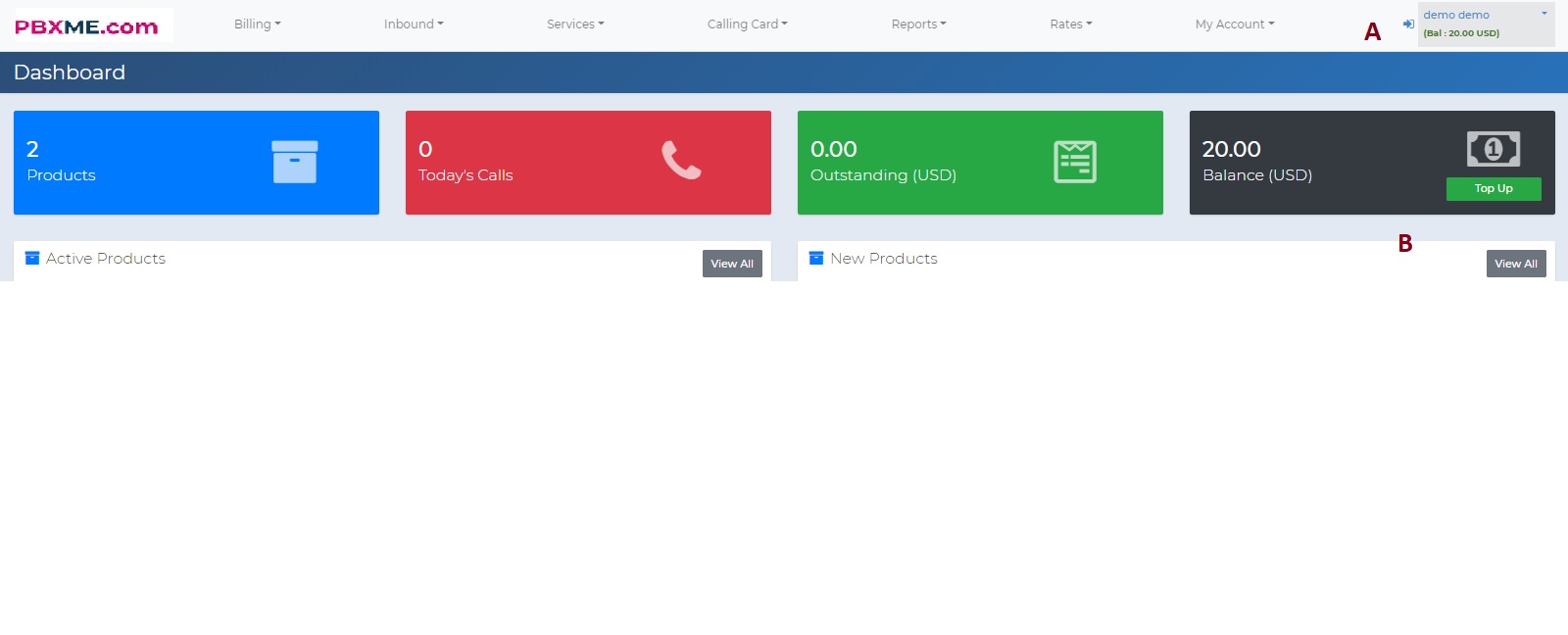
| 2 | On the top right of the portal window, you’ll see your current balance. |
| 3 | To add funds, click Top Up, or go to top menu → Services → Top Up.
|
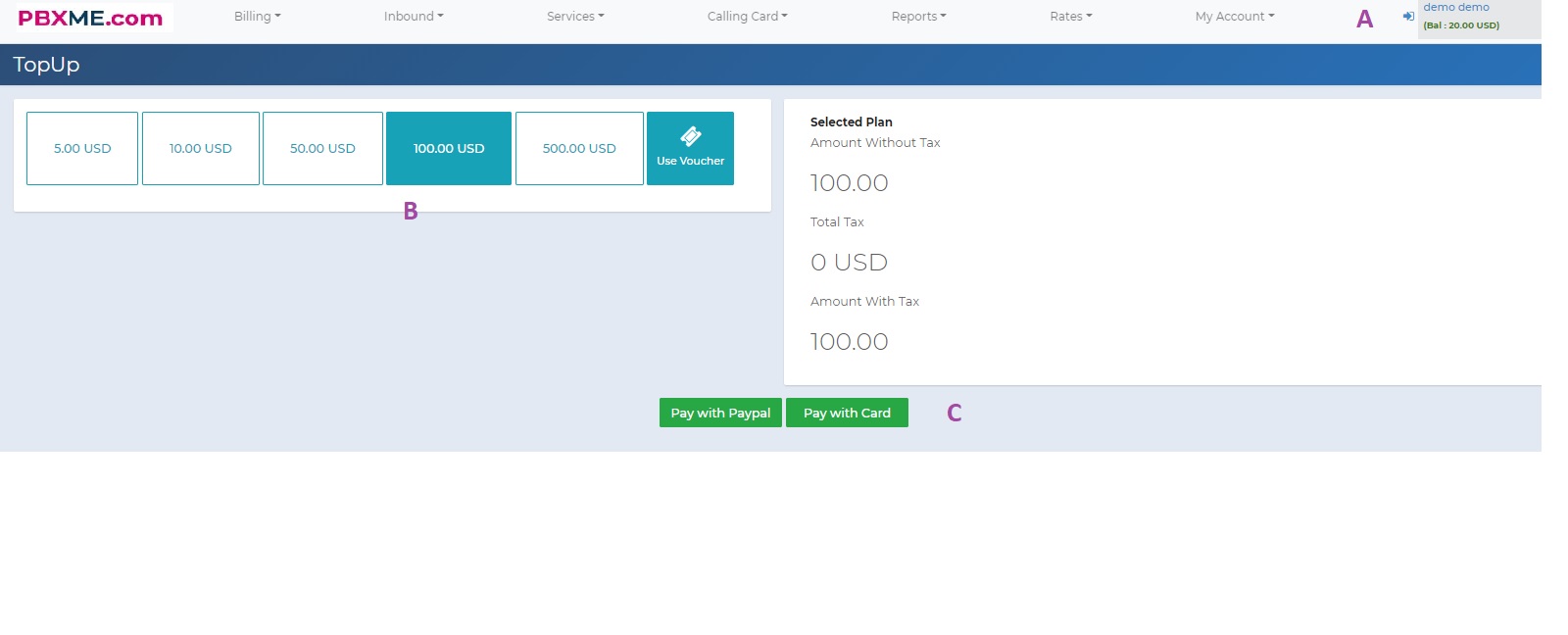
| 4 | Select the amount of funds you want to add to your account. |
| 5 | Choose your desired payment method. |
| 6 | For PayPal, continue by following the payment method’s instructions.
|
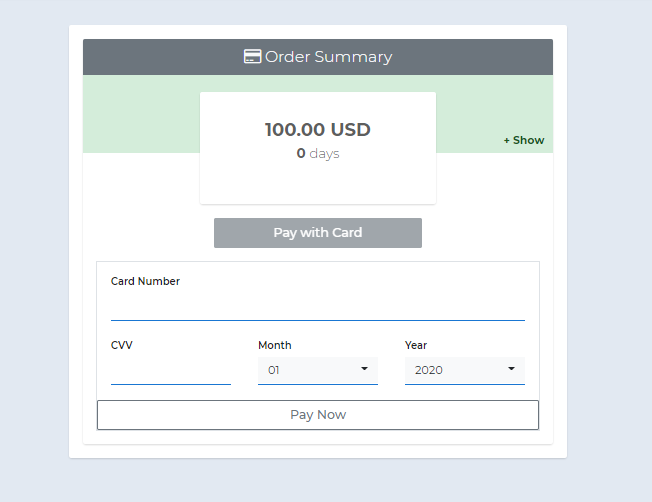
| 7 | For credit card, you’ll be redirected to the order summary — click “Pay with Card.” |
| 8 | Enter your card details.
|
| 9 | After success, you’ll see the funds added to your account. |